


Corporate Company Website Script
Corporate company website with a callback form, managed from an admin panel
Language note
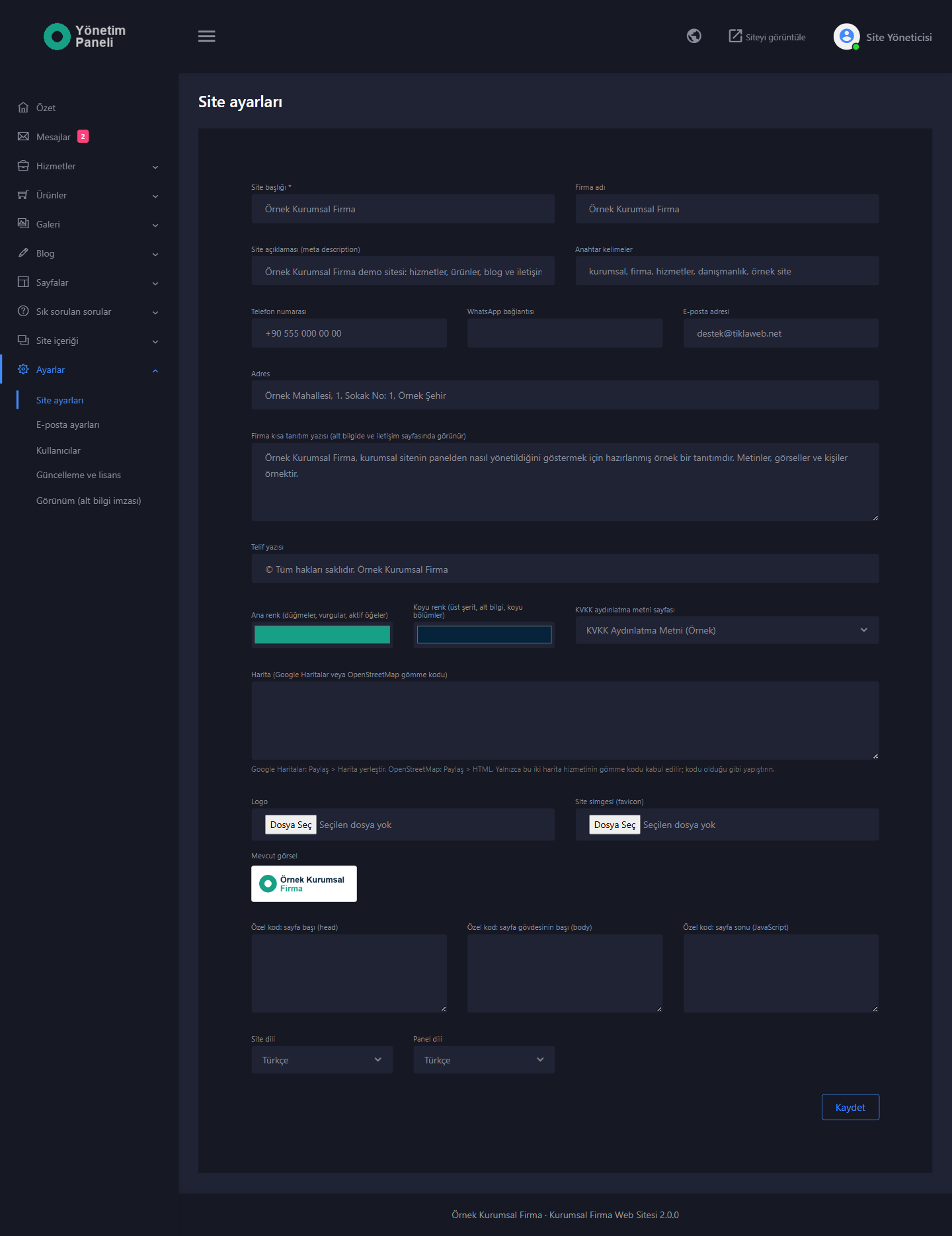
The interface of the website and the admin panel comes in Turkish and English. You choose the site language and the panel language separately under “Site ayarları” (Site Settings), and you can also switch the panel language with the globe icon at the top right of the panel.
More languages can be added: copy the en.php file in the dil folder of the package and translate it (the steps are in dil/OKUBENI.txt). The language you add appears automatically in the language lists of the site settings, and updates do not touch your language files. Texts that are not translated appear in English; if you prefer, they can be shown in Turkish.
The content you publish (services, products, pages, blog posts and so on) is not translated; it stays in the language you write it in. Warning messages, date formats and amount formats follow the selected language. The form e-mails sent to you are written in the panel language.
Where this page names a section of the panel or of the site, the name is given as it appears in the Turkish interface, in quotation marks, followed by its translation in parentheses; in the English interface the same sections appear under their English names.
Who it is for
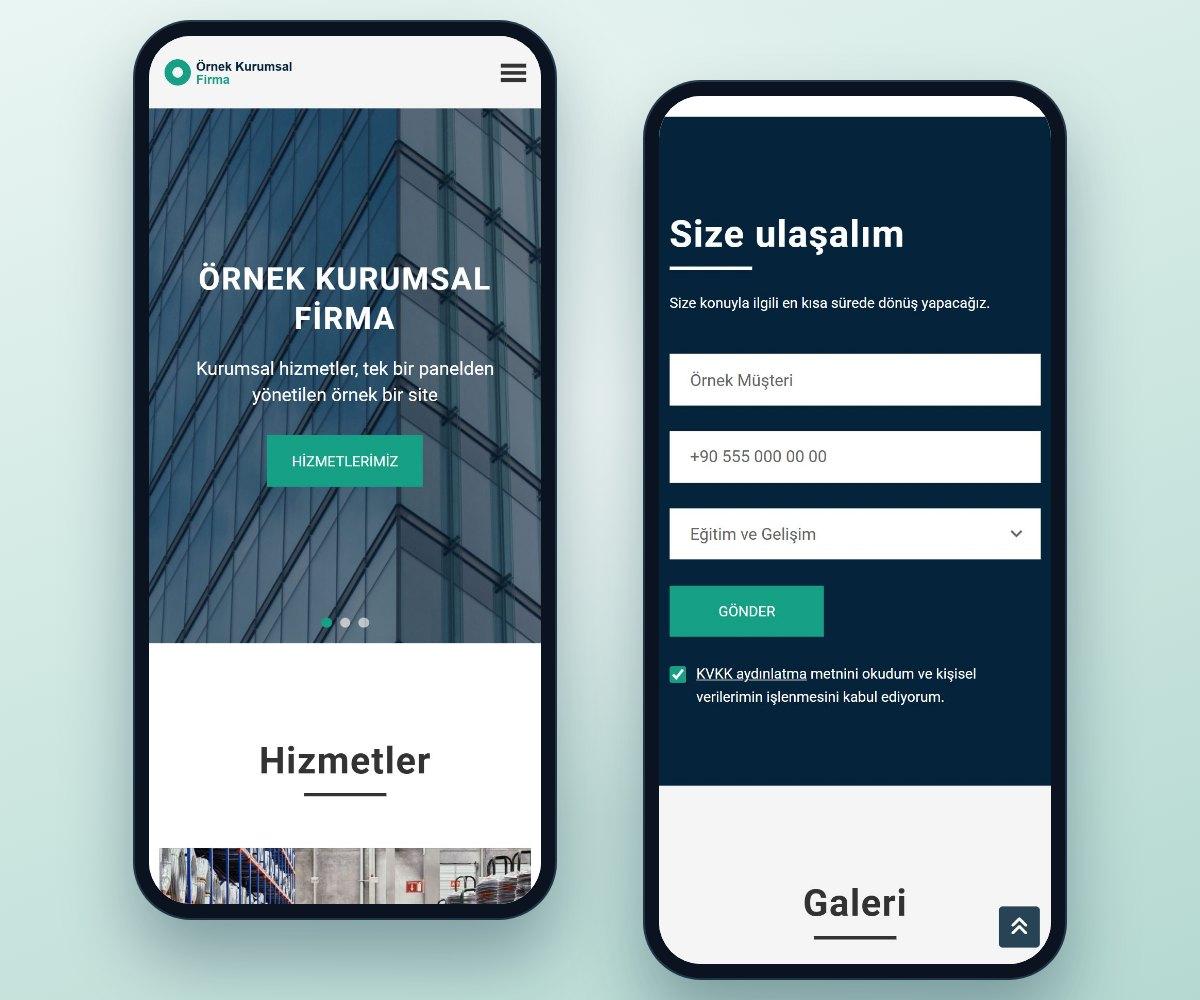
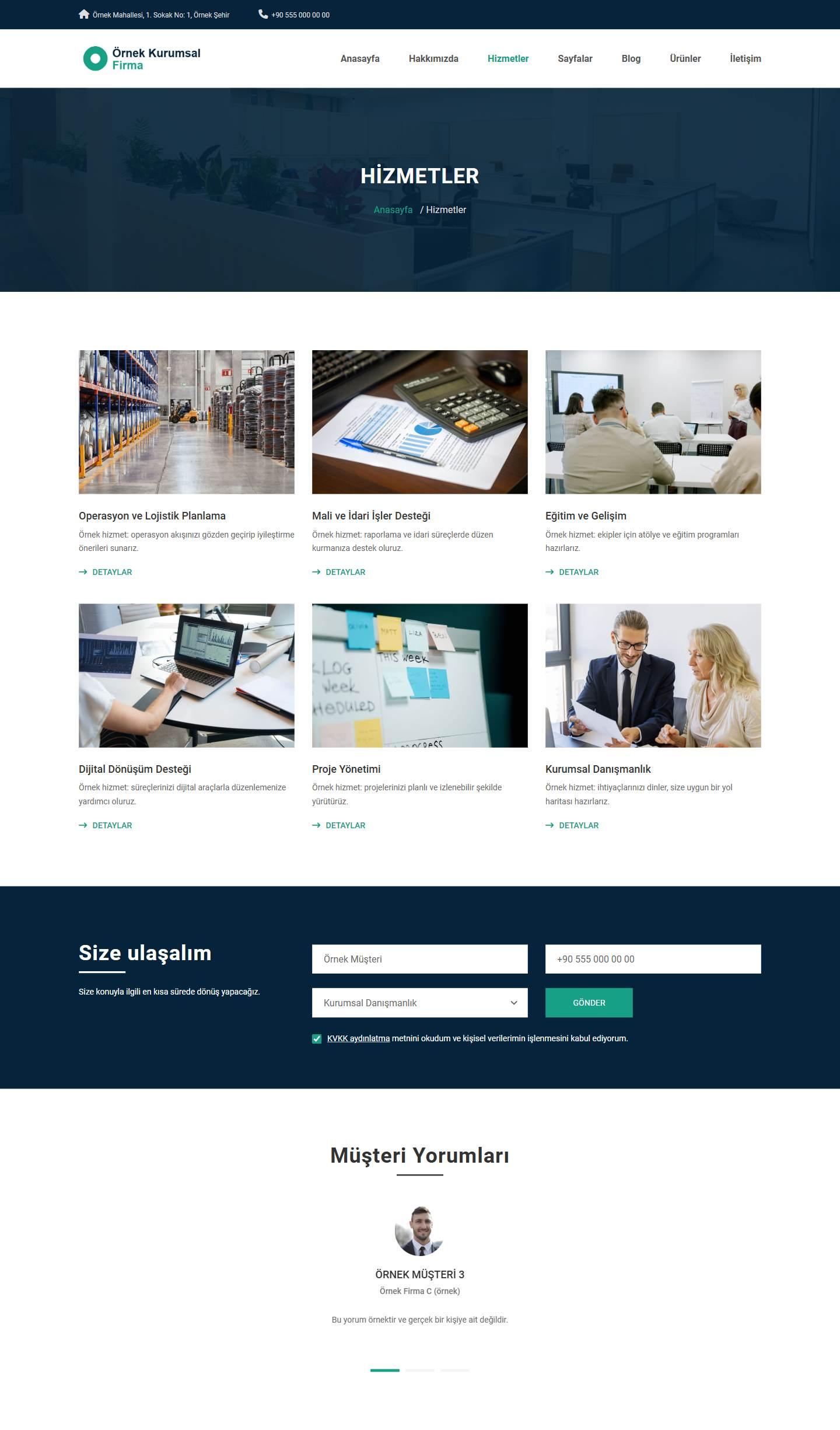
Made for companies, consulting and service businesses, and agencies that build sites for them. On your own domain you present your services, products, gallery, team, customer reviews and articles. A visitor writes a name and a phone number in the “Size ulaşalım” (Let us get in touch) form on the home page and can choose the service they are interested in. The request is listed in your panel and you call the visitor back. Messages sent through the form on the contact page are collected in the same list.
You do not need to know how to code. The browser wizard handles the installation, and you enter your content in the admin panel.
Website features
Forms and contact
- “Size ulaşalım” (Let us get in touch) callback form: it appears on the home page and on the services page. The visitor writes a name and a phone number and can pick one of the published services. No e-mail address is asked for. The request is listed in the panel with the chosen service as “Geri arama” (Callback).
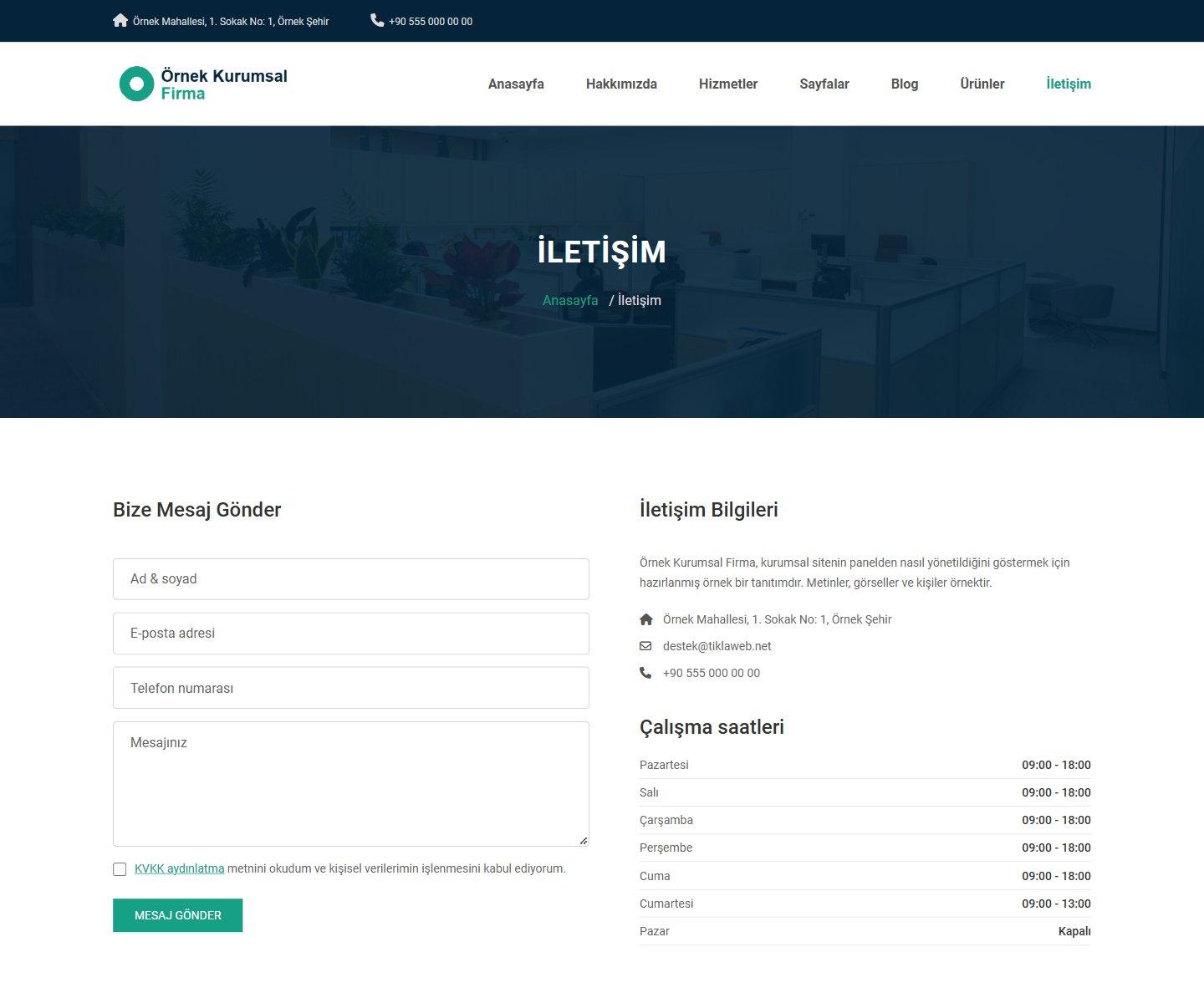
- Contact form: it consists of full name, e-mail, phone and message fields, all required. Messages are listed in the panel as “İletişim formu” (Contact form).
- E-mail to you: once you set up “E-posta ayarları” (E-mail Settings) and switch notifications on, every contact message and callback request also reaches you by e-mail. When you reply to the e-mail of a contact message, the reply goes to the visitor’s address. A callback request has no e-mail address, so no reply address is added. Even if you do not set up e-mail, the requests are listed in the panel.
- KVKK consent checkbox: required on the contact form and on the callback form. KVKK is the Turkish personal data protection law. The privacy notice link points to the page you choose in the panel; the same link also appears in the footer of the site. The text that comes with the sample content is only a sample; you must prepare your own privacy notice.
Services, products and gallery
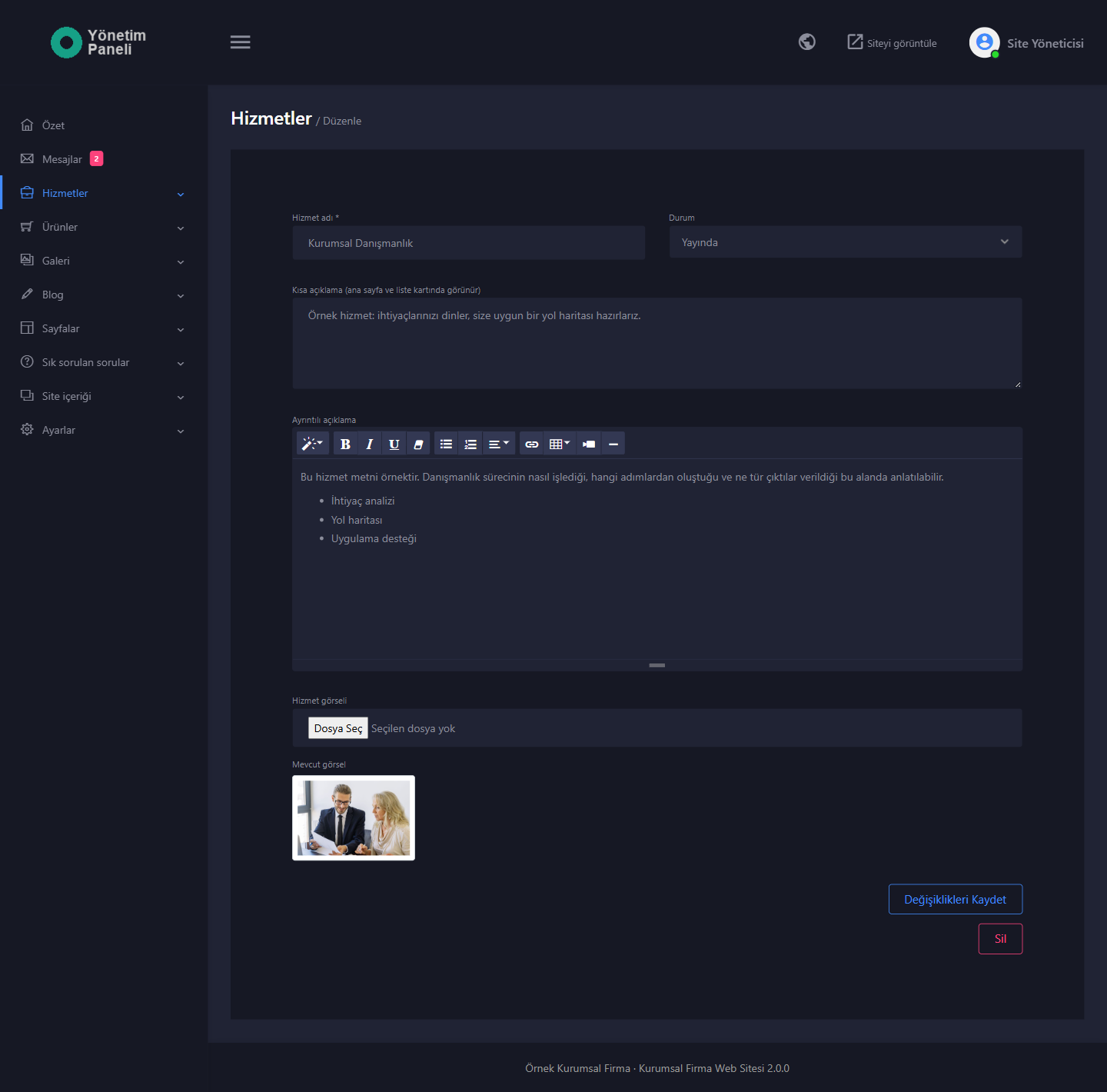
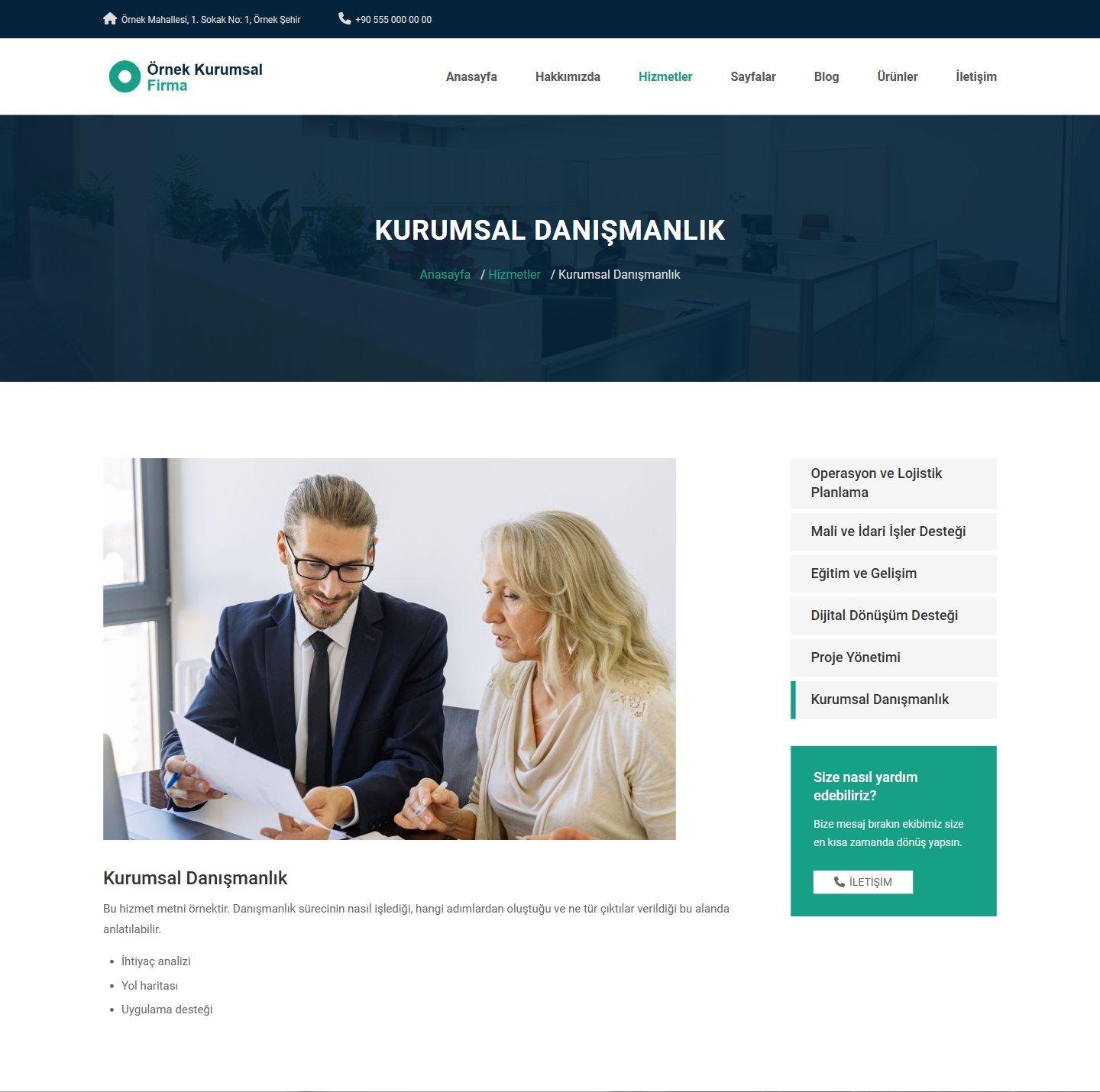
- Services: for each service you enter a name, a short description, a detailed description, an image and a status (“Yayında” (Published) or “Taslak” (Draft)). Services appear as boxes on the home page (the latest six), as cards on the services page and as a drop-down list in the top menu. Every service has its own page; the side list of that page shows the other services and a box that leads to the contact page. Services have no price field.
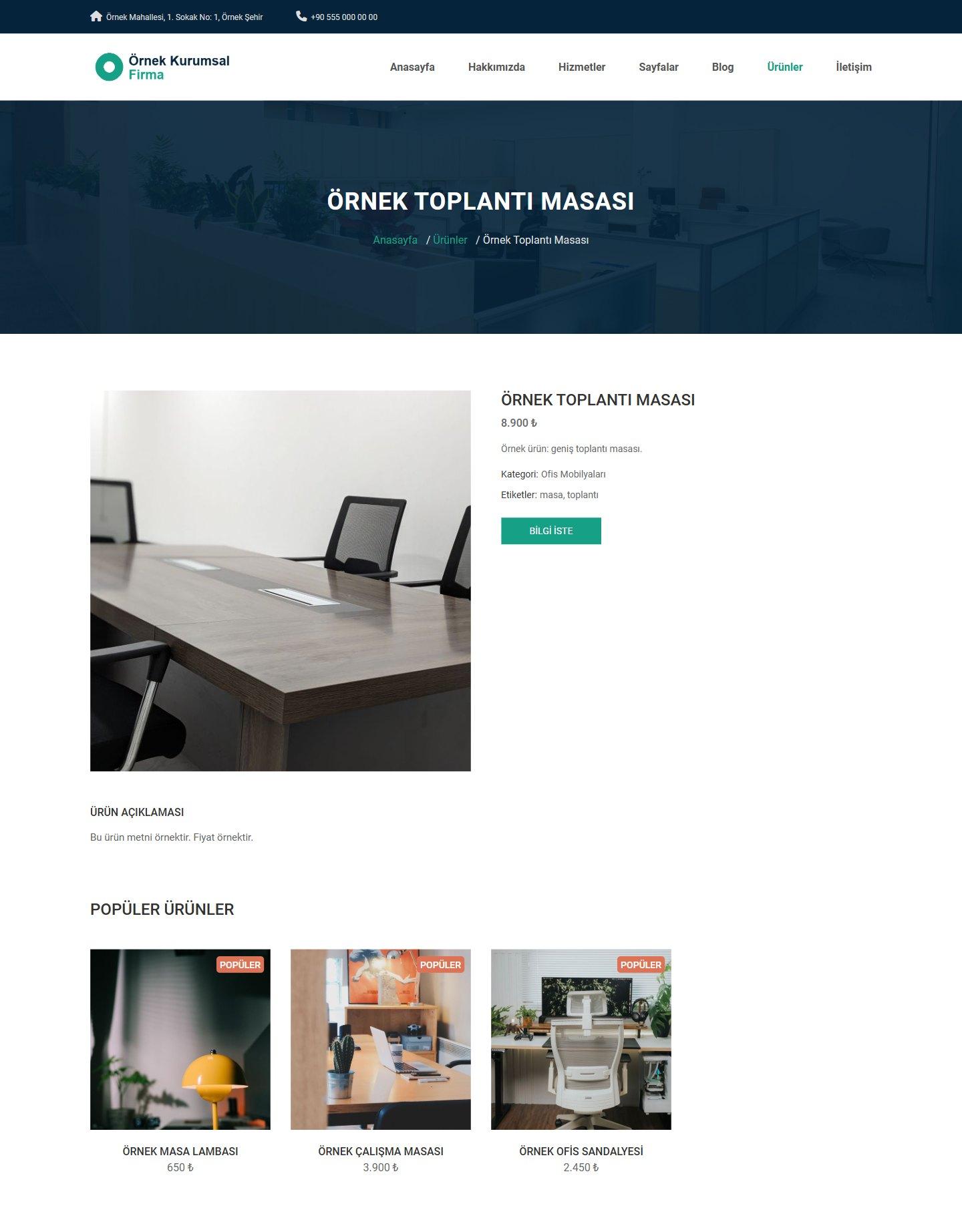
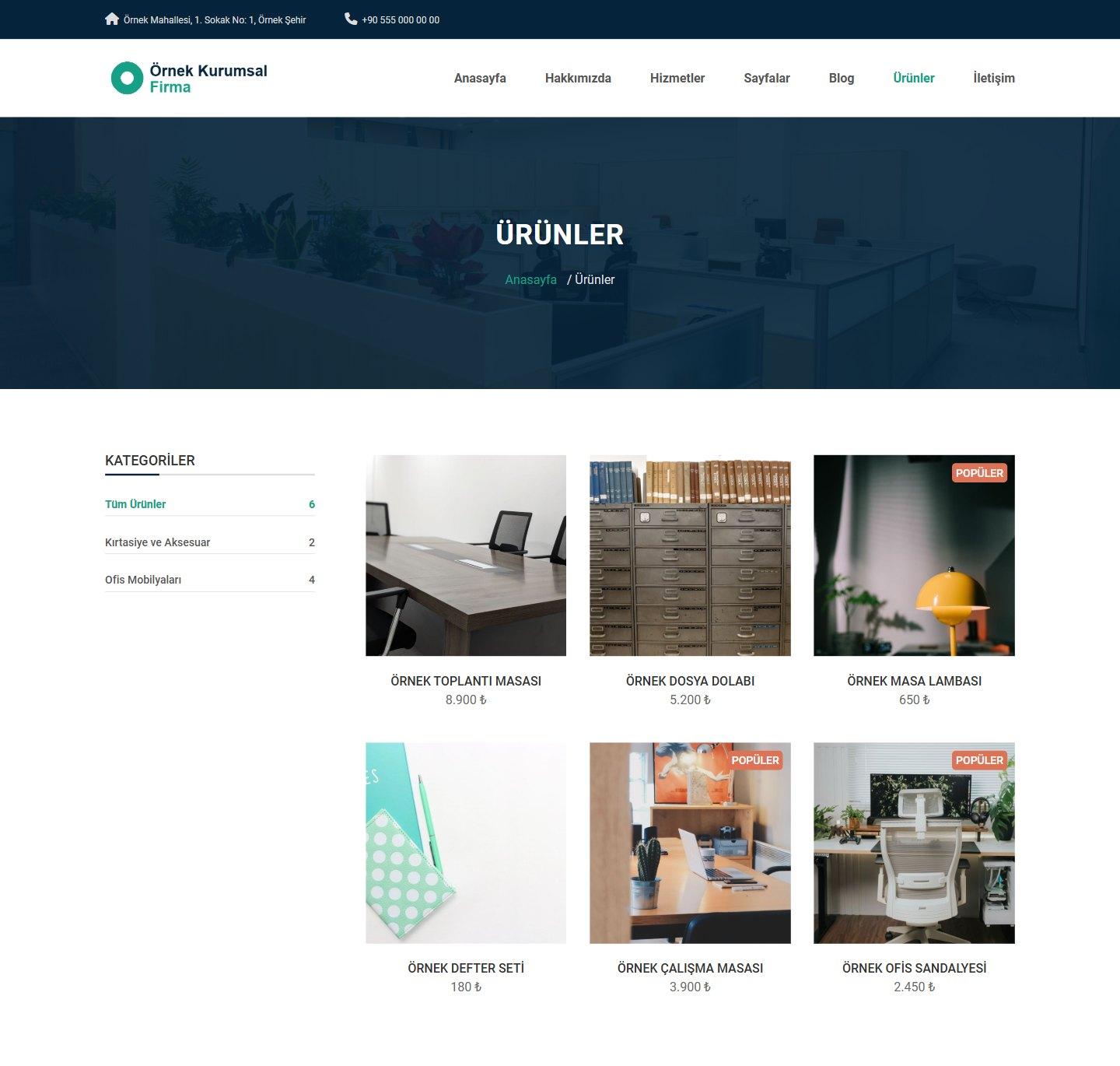
- Product showcase: for each product you enter a name, category, price (₺), status (“Yayında” (Published) or “Taslak” (Draft)), the “Popüler işareti” (Popular flag), a short description, tags, a description and an image. On the products page they are filtered with category links; products with the popular flag carry a “Popüler” (Popular) badge. A product page has a “WhatsApp ile bilgi al” (Get information on WhatsApp) button (if you entered a WhatsApp link) and a “Bilgi iste” (Request information) button that leads to the contact page, plus other popular products. If the price is empty or 0, no price is shown. There is no cart and no online payment; products are shown as a promotional showcase.
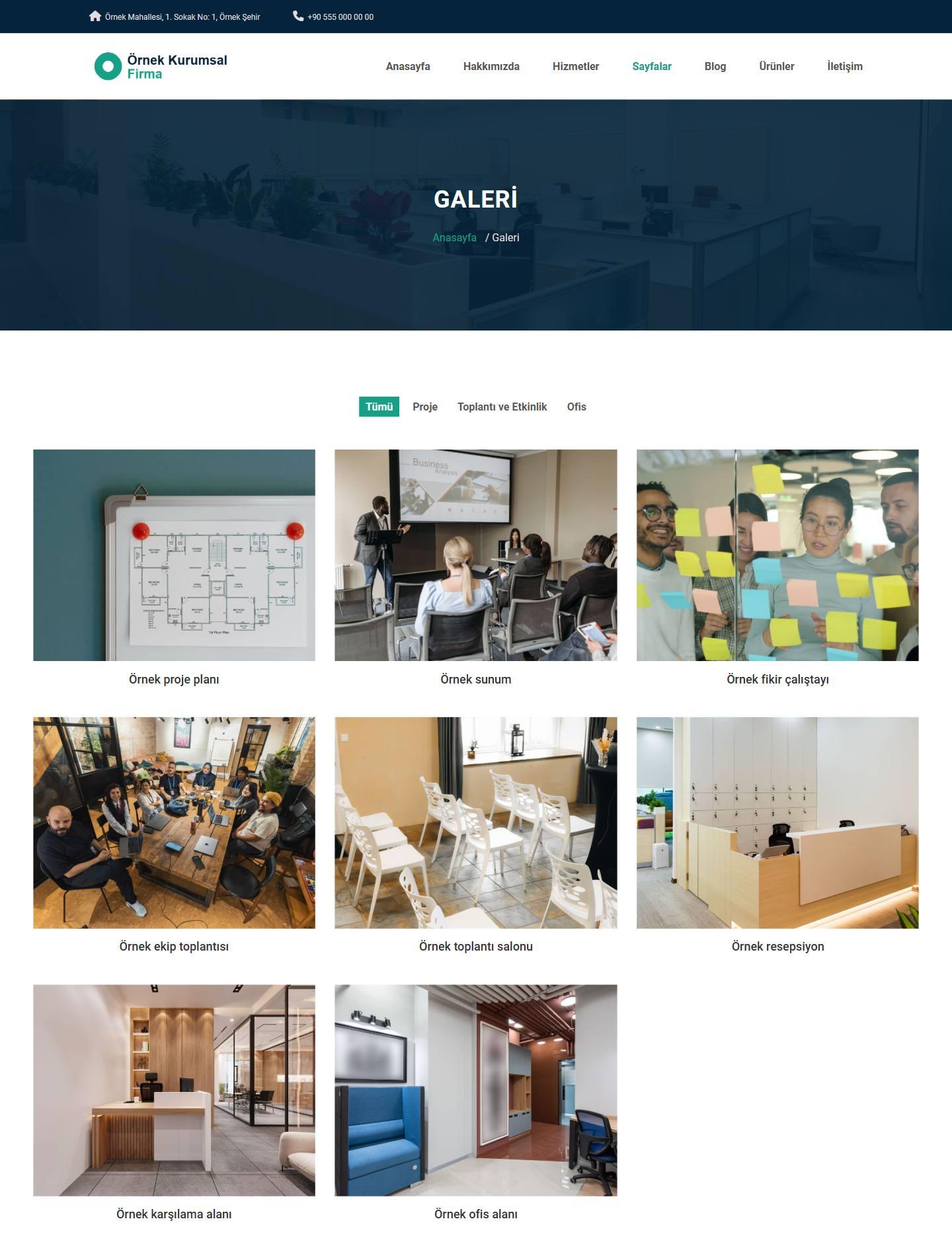
- Gallery: you group your images into categories; on the gallery page they are filtered with category buttons and enlarge when clicked. The latest six images are shown as a showcase on the home page and as small thumbnails in the footer of the site.
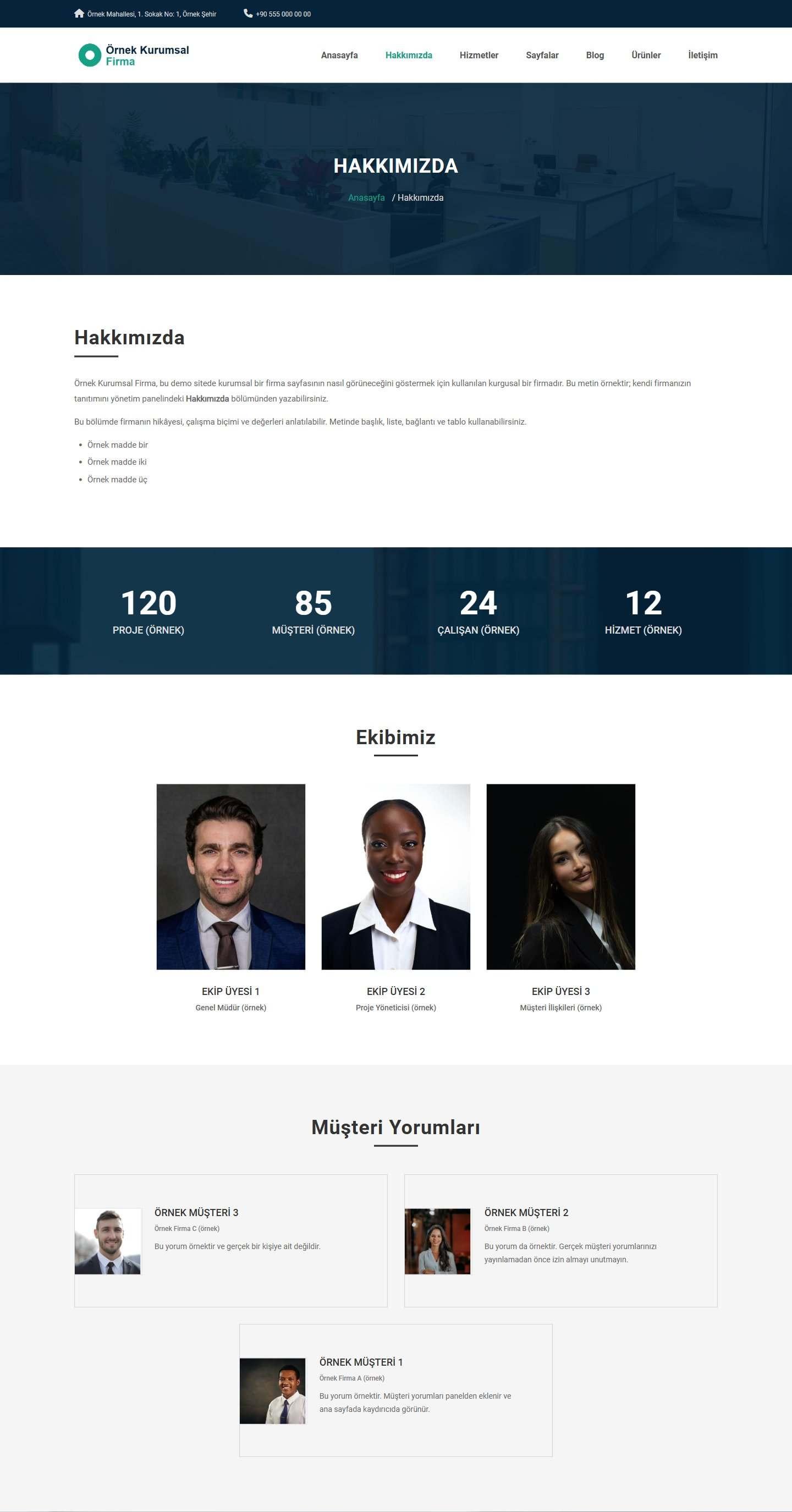
- Team: you introduce your team members on the “Hakkımızda” (About Us) page with full name, role and photo. You can also enter phone, e-mail, Facebook, X and Instagram links; they appear as icons over the photo. A member whose status is “Taslak” (Draft) does not appear on the site.
- Customer reviews: you enter full name, title or company, review and photo. The reviews are shown in a slider on the home page and also on the services and “Hakkımızda” (About Us) pages. A review without a photo appears without one.
- References: you enter the name and logo of your partner companies; the logos are shown in the “Partnerler” (Partners) section of the home page.
- Counters: you enter up to four counters (a title and a number). They are shown in a band on the home page and on the “Hakkımızda” (About Us) page; when the band comes into view, the numbers count up from zero. A counter with an empty title does not appear.
Home page and inner pages
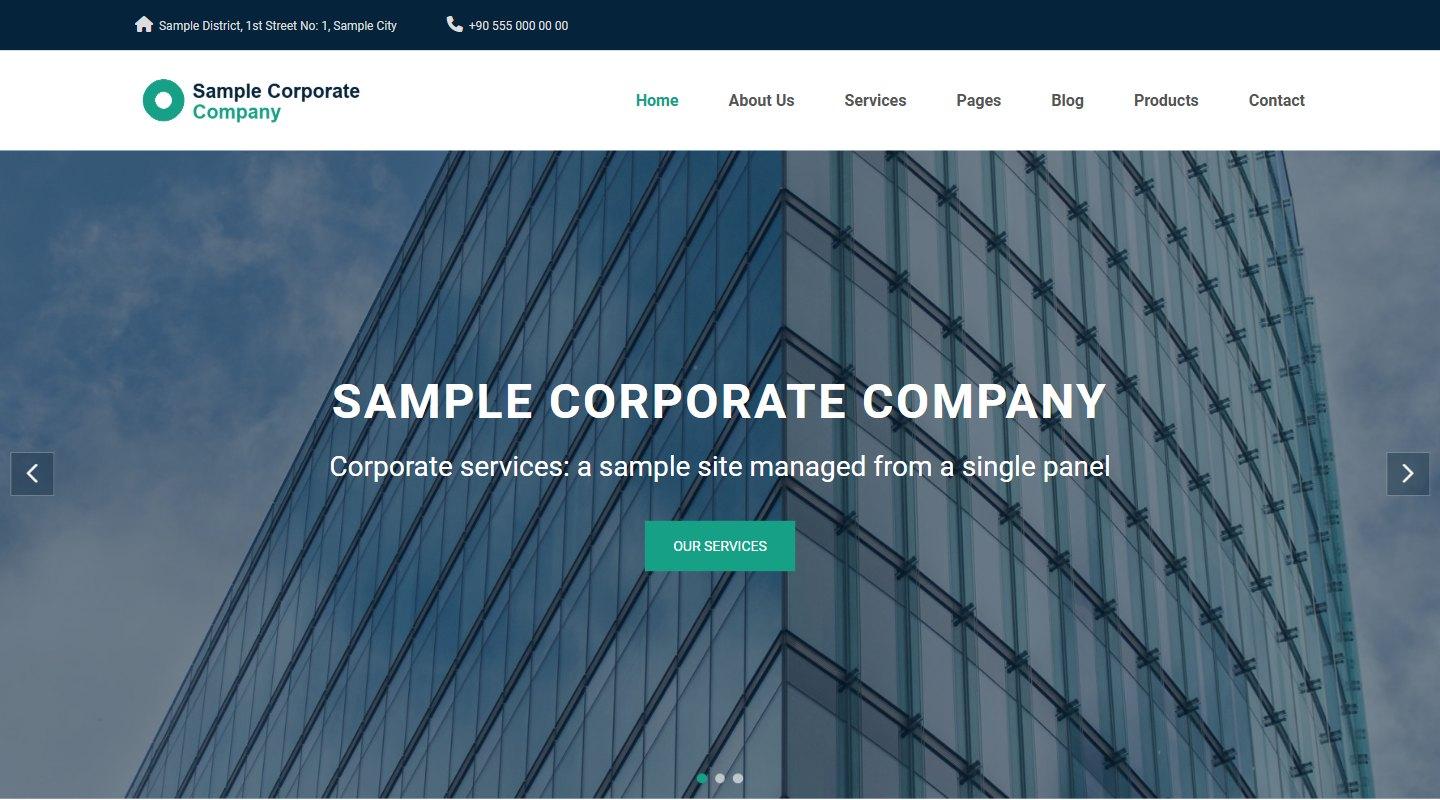
- Home page: slider, services, the “Size ulaşalım” (Let us get in touch) form, gallery showcase, counters, blog (the latest three posts), partners and customer reviews. A section with no entries does not appear.
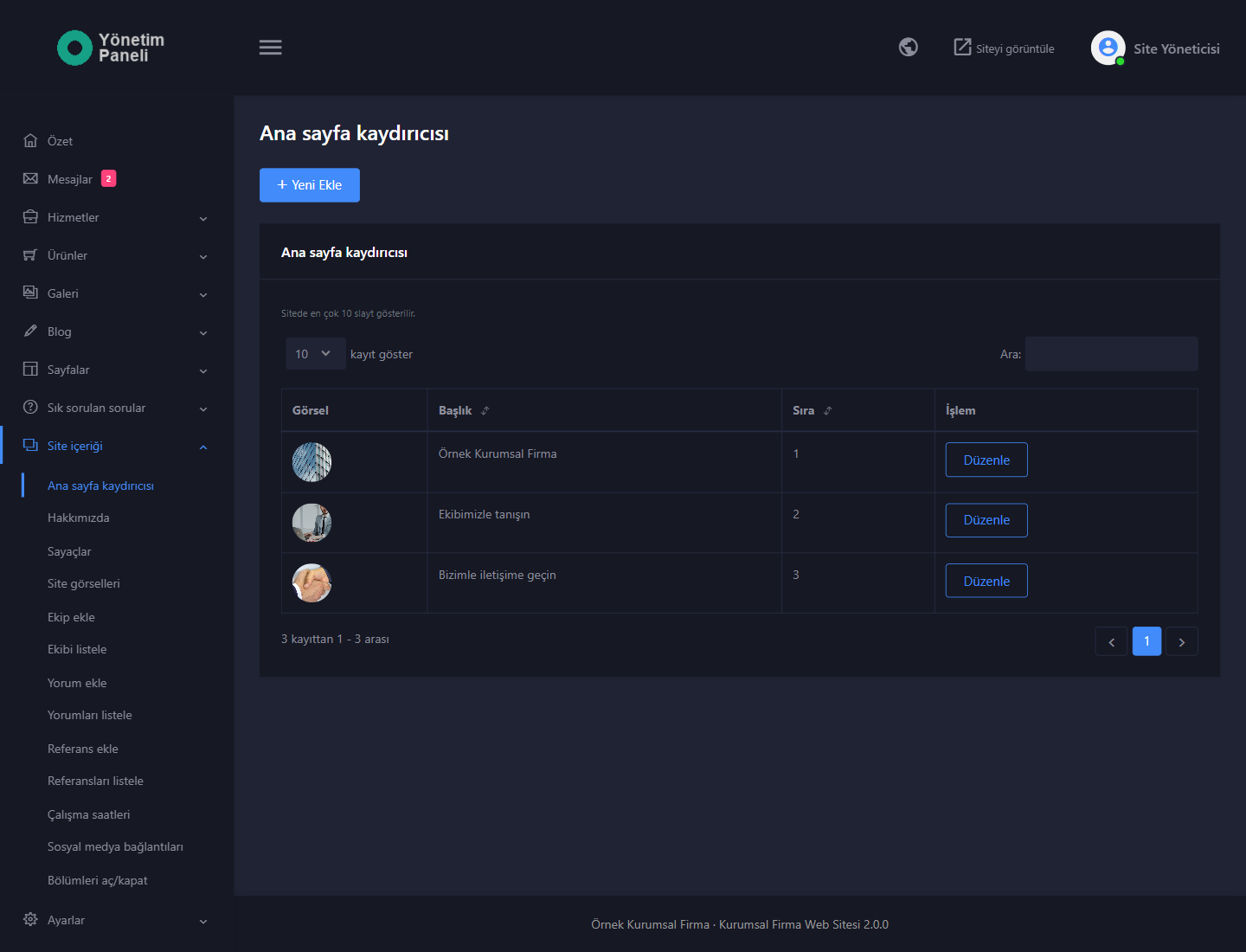
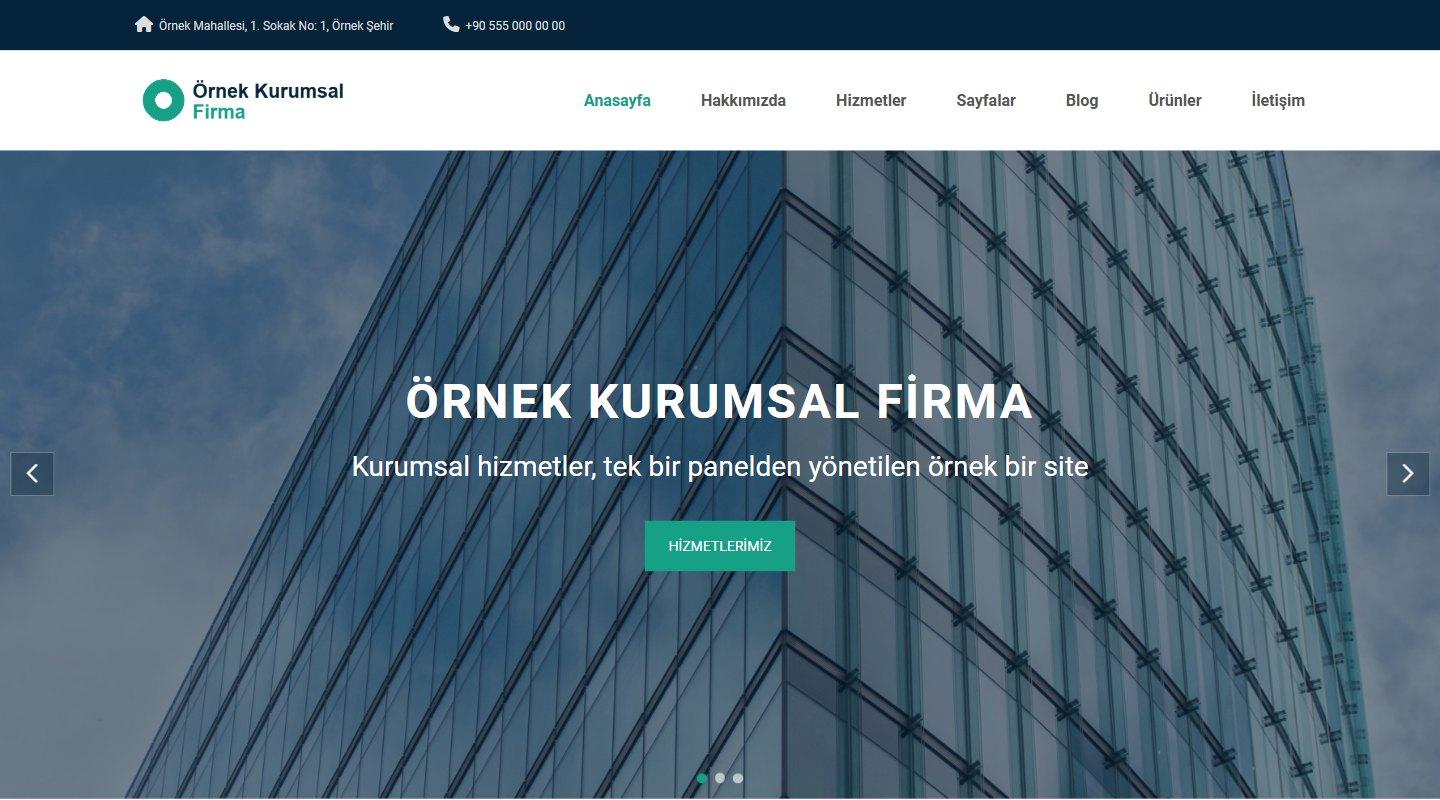
- Home page slider: you add slides in the panel. For each slide you enter a title, a subtitle, a button text and link, an order and an image; the button link can be one of the site’s own pages or an external address. At most ten slides are shown. With more than one slide, arrows, dots and automatic transition work; on devices with the reduce-motion setting on, the automatic transition is off.
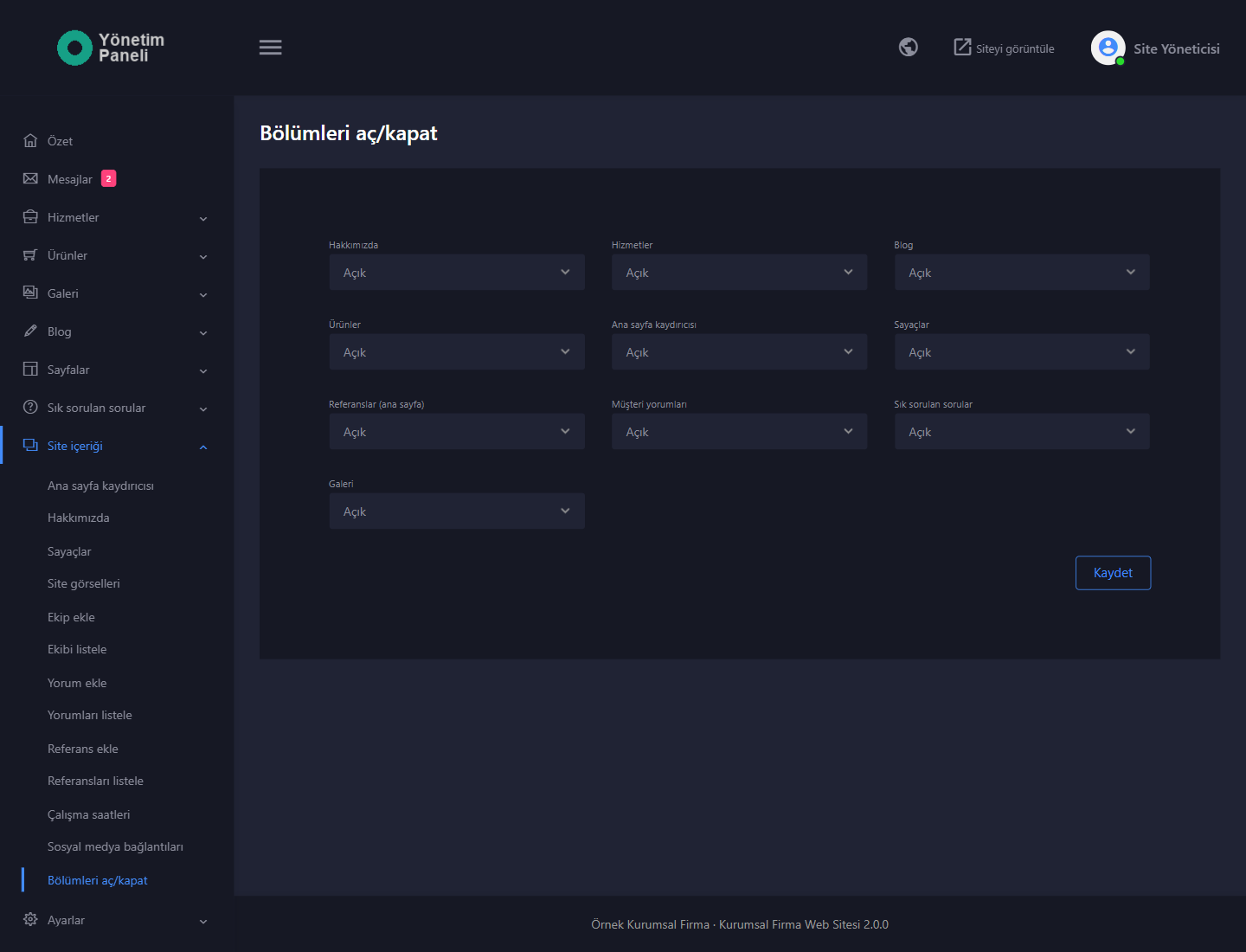
- Switch sections on/off: from a single page you switch the About Us, Services, Blog, Products, Home page slider, Counters, References, Customer reviews, Frequently asked questions and Gallery sections on or off. A section you switch off disappears from the menu, the footer and the home page; the address of a section that has a page no longer opens.
- Site images: you upload background images for the title band of the inner pages, the counters band, the customer reviews section and the footer of the site from the panel. An area without an image is shown with a dark color background.
- “Hakkımızda” (About Us): heading and rich text; below it come the counters, the team and the customer reviews.
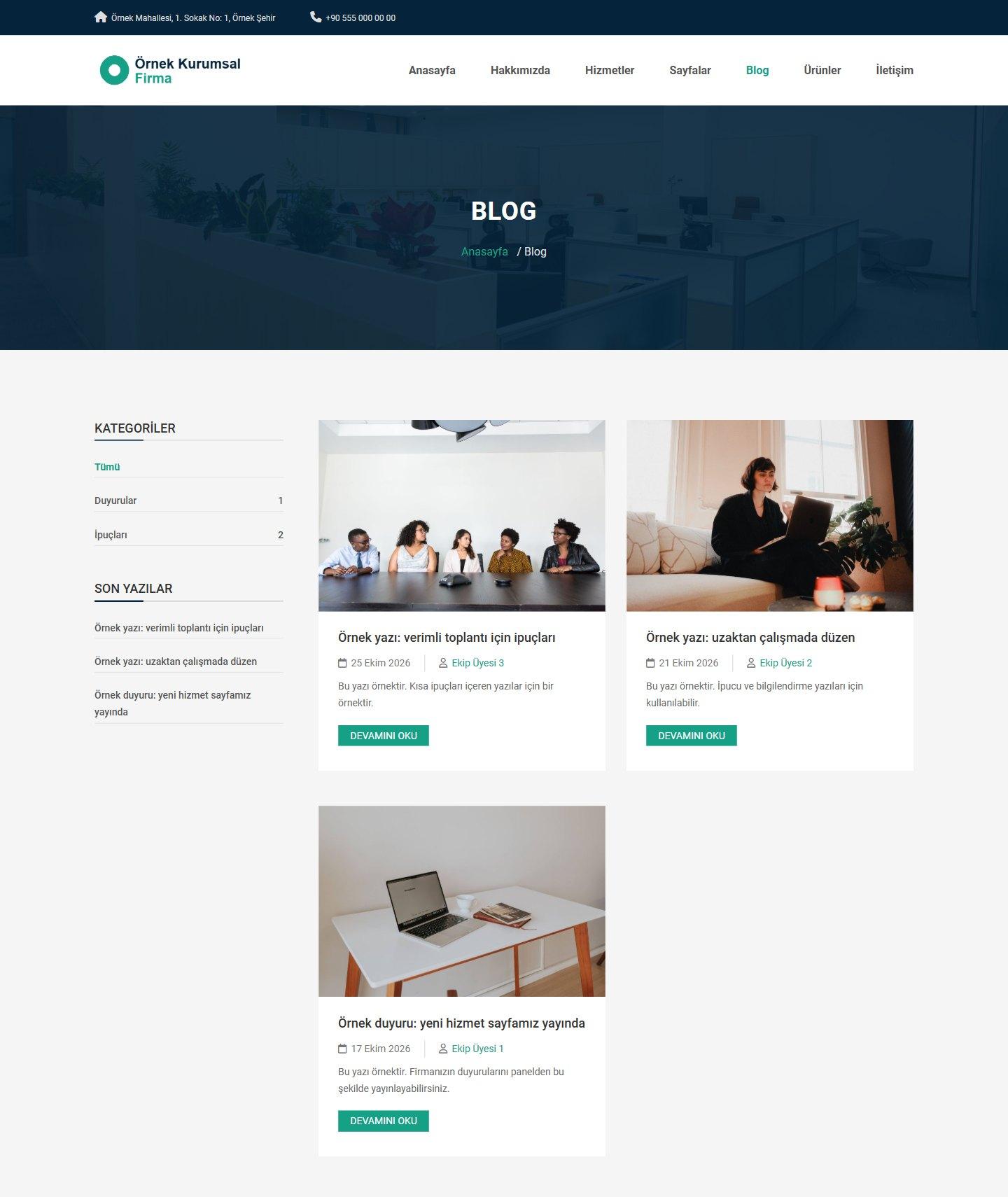
- Blog: articles with a title, category, status, author, tags, short description, image and rich text. The list is filtered with category links, and the side list shows the latest posts. A “Taslak” (Draft) article does not appear on the site.
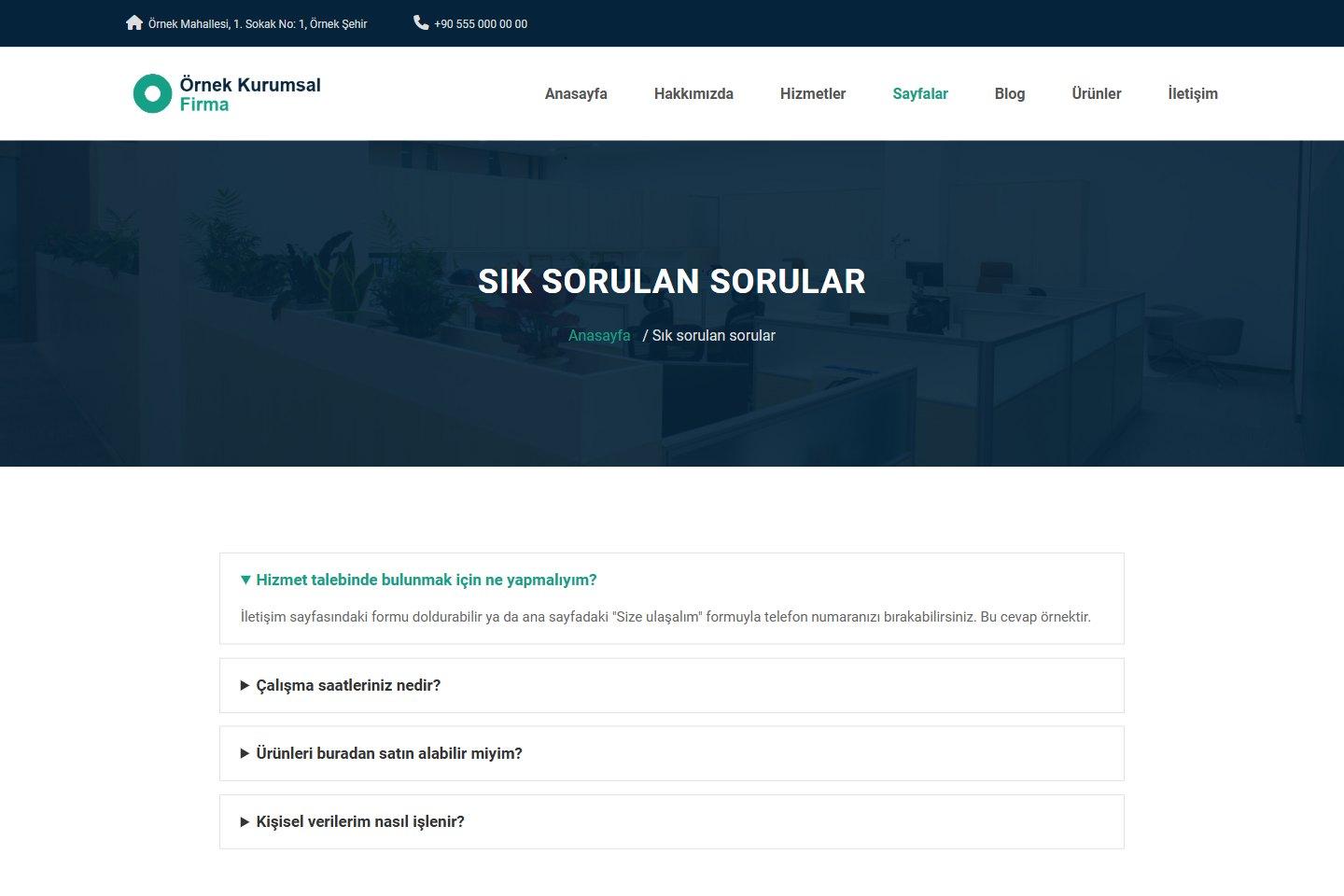
- Frequently asked questions: you enter questions and answers in the panel; the answer opens when the visitor clicks a question. Once at least one question exists, a “Sık sorulan sorular” (Frequently Asked Questions) link appears in the “Sayfalar” (Pages) menu.
- Extra pages: you add as many pages as you like from the panel (for example the KVKK privacy notice or a careers page). For each page you choose whether it is shown in the top menu (under Pages) and in the footer of the site.
- Contact page: the form, your address, e-mail and phone details, your short company introduction, your working hours and a map (Google Maps or OpenStreetMap embed address). Details and map you leave empty do not appear on the site.
- Working hours: you enter a text for each day of the week (for example 09:00 - 18:00, and “Kapalı” (Closed) for a closed day). The text is shown to visitors as you enter it; a day you leave empty is not shown. The hours appear on the contact page and in the footer of the site.
- Social media: your Facebook, X (Twitter), YouTube and Instagram links and the WhatsApp link from “Site ayarları” (Site Settings) appear as icons in the top bar, in the mobile menu and in the footer of the site. An icon you do not enter is not drawn.
- Logo, site icon and footer: you upload your logo and your site icon (favicon); if you do not upload a logo, the company name appears as text. The footer of the site holds the company introduction, contact details, working hours, the quick menu and gallery thumbnails.
- Two colors: you pick a main color and a dark color in the panel. The main color is applied to buttons, accents and active or selected items in the menu and in lists. The dark color is used in the top bar, the footer and the dark sections.
- Footer credit: you can change or remove the “TiklaWeb tarafından geliştirildi” (Developed by TiklaWeb) line at the bottom of the site.
Mobile and search engines
- Mobile friendly: the site adapts to phone, tablet and desktop screens; on small screens the menu turns into a mobile menu that opens on tap.
- Page-specific title and description: every page carries its own title (“Page | Company”), description and social sharing (Open Graph) tags. On service, product and blog post pages the image is taken from the service’s, product’s or post’s own image. You enter the site title, description and keywords under “Site ayarları” (Site Settings).
Admin panel
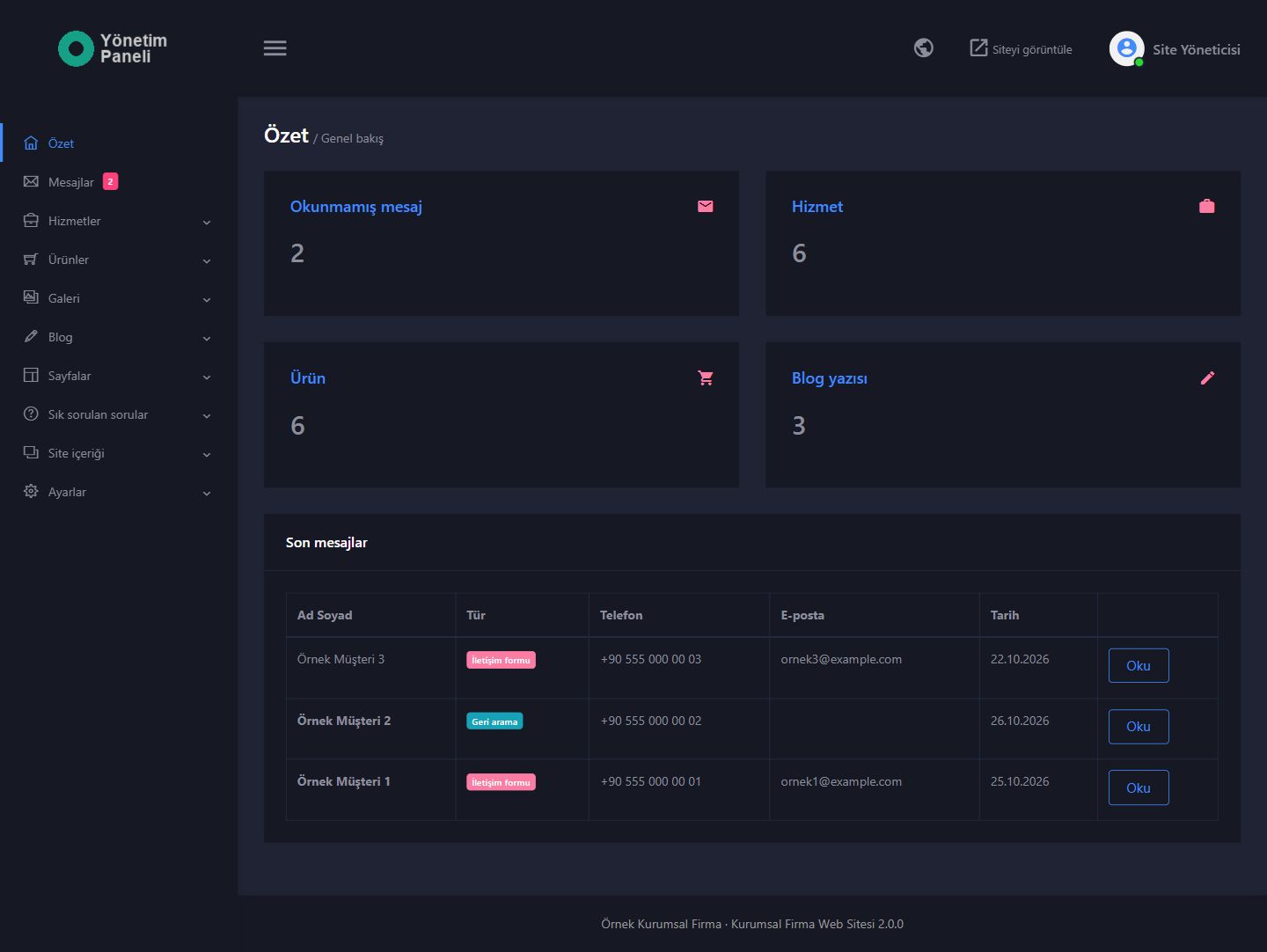
- “Özet” (Summary): the numbers of unread messages and of published services, products and blog posts, plus the latest messages. The side menu shows the number of unread messages as a badge.
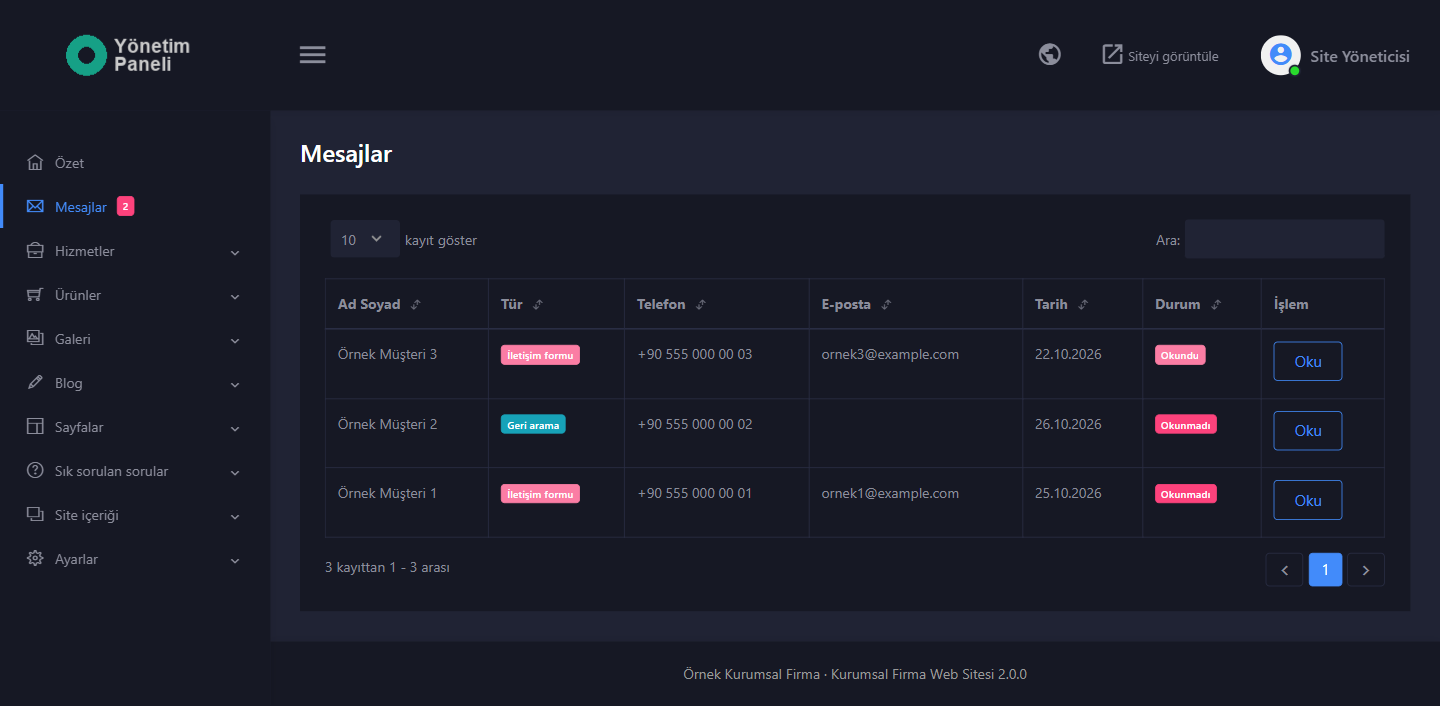
- “Mesajlar” (Messages): the messages from the contact form and the callback requests are collected in a single list. Name, phone, e-mail, date, type and read status appear in the list; in the details you read the message, the service of interest for a callback request and the time of the KVKK consent, and you can delete the entry. Unread messages are marked; the list has search and sorting.
- Content entries: you add, edit and delete entries for “Hizmetler” (Services), “Ürünler” (Products), “Galeri” (Gallery), “Blog yazıları” (Blog Posts), “Sayfalar” (Pages), “Sık sorulan sorular” (Frequently Asked Questions), “Ekip” (Team), “Müşteri yorumları” (Customer Reviews), “Referanslar” (References) and “Ana sayfa kaydırıcısı” (Home Page Slider); product, gallery and blog categories are managed separately. The lists have search and sorting.
- Single-page content: “Hakkımızda” (About Us), “Sayaçlar” (Counters), “Site görselleri” (Site Images), “Çalışma saatleri” (Working Hours), “Sosyal medya bağlantıları” (Social Media Links) and “Bölümleri aç/kapat” (Switch Sections On/Off). The Summernote editor is used in rich-text fields.
- E-mail settings: once you enter your SMTP details and switch notifications on, the contact form and callback e-mails work. You test the settings with the “Deneme e-postası gönder” (Send test e-mail) button.
- “Site ayarları” (Site Settings): site title, description and keywords, company name, phone, WhatsApp link, e-mail, address, short company introduction, copyright line, main color, dark color, KVKK privacy page, map, logo, site icon, site language and panel language.
- Users and permissions: you add administrator and editor accounts. The editor manages the messages and the content sections; “Site ayarları” (Site Settings), “E-posta ayarları” (E-mail Settings) and “Kullanıcılar” (Users) are open only to the administrator. Permissions are enforced on the server. Every user changes their own name and password on the “Profil ve şifre” (Profile and Password) page.
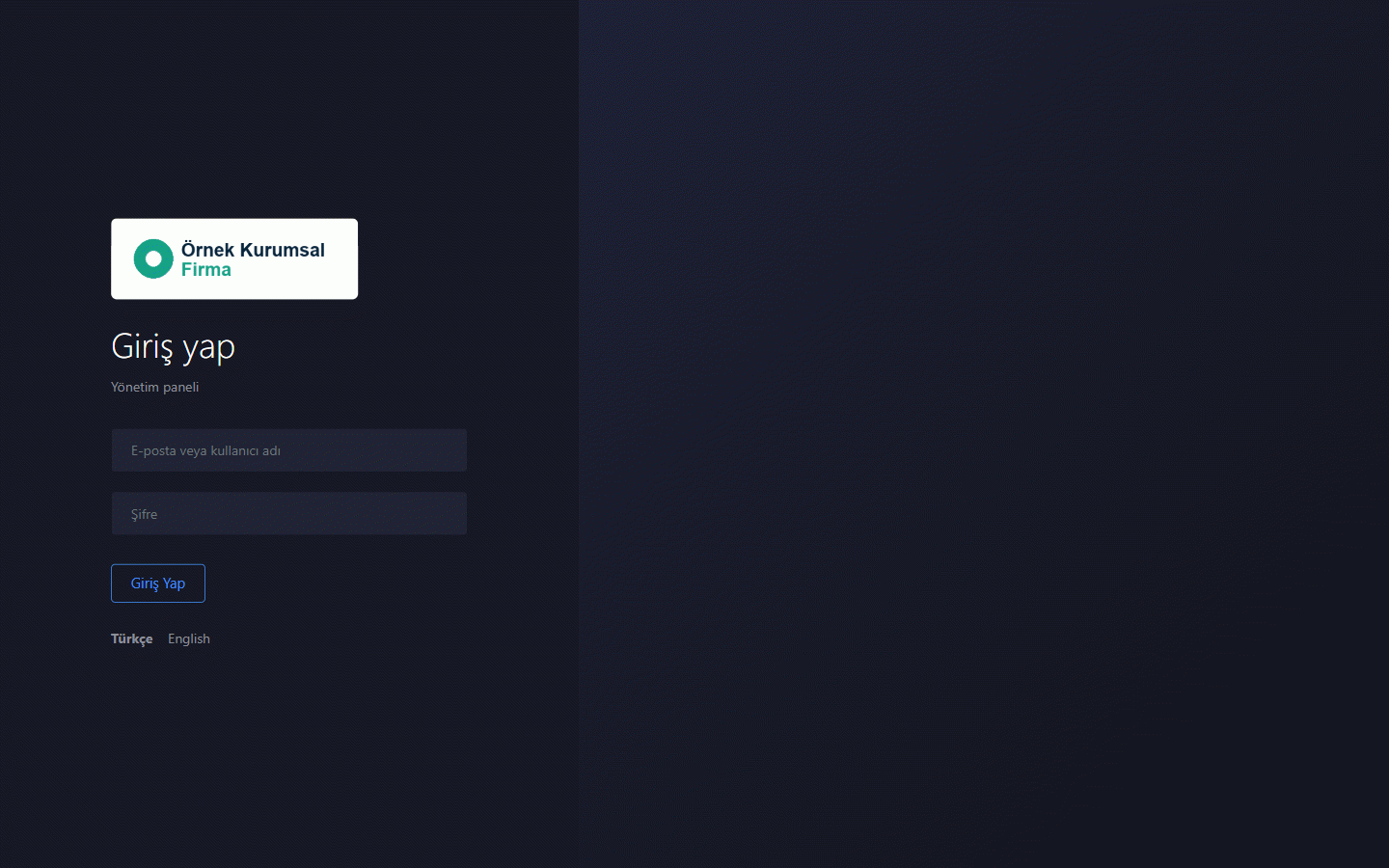
- Forgot password: the link on the panel login page resets the password by e-mail (if “E-posta ayarları” (E-mail Settings) is set up). The reset link is valid for 1 hour and can be used once.
- Custom code: under “Site ayarları” (Site Settings) you add your own code (for example a statistics script) to the top of the site, to the start of the body and to the end of the page. These fields are open only to the administrator.
Setup and updates
- Five-step setup wizard: requirements, license, database, site and administrator details, finish. The wizard checks your server itself.
- Setup language: in the wizard, choose Turkish or English at the top right. With an English installation, the starting and sample content is in English too.
- Sample content or empty setup: start filled in like the demo and edit from there, or enter your content from scratch. The message list starts empty in both cases.
- Update from the panel: download the zip package of the new version from your tiklaweb.net customer area and upload it on the “Güncelleme ve lisans” (Updates and License) page of the admin panel. Files and database are backed up first. If an error occurs, the site returns to its previous state. Your uploaded images, settings and content are kept.
- Verified packages: the signature of the update package is checked; only packages downloaded from tiklaweb.net are installed.
A detailed setup guide comes in the package you download as the KURULUM.html file (written in Turkish).
License
Each license is for the single domain name you specify when ordering. The domain name cannot be changed after setup; changing the extension of the same domain (for example .net to .com) is a paid service done through a support request. The license cannot be transferred free of charge. The site does not open on an unlicensed domain and the visitor is redirected to a license warning page. A separate license is required to use it on another domain.
Technical details
- PHP 8.2 or higher, MySQL or MariaDB
- Framework: plain PHP with PDO and prepared queries. Site: Bootstrap 4, jQuery, Swiper, Slick, Magnific Popup, Font Awesome Free 6. Panel: Bootstrap 4, DataTables and the Summernote content editor
- E-mail is sent with PHPMailer 6.9; the SMTP password is stored encrypted. A form entry is saved to the database first; if the server supports it, the e-mail is sent after the visitor has received the response
- Interface texts are kept in the language files in the package (Turkish and English included, a new language can be added)
- Signed form token and a hidden trap field on the site forms, CSRF verification on panel actions; attempt limits on panel login, password reset, the contact form and the callback form
- The type of images uploaded from the panel is verified from content (JPG, PNG, WebP; at most 8 MB) and, if the GD extension is on, they are converted to WebP; PHP does not run in the upload folder
- The panel’s rich text fields are filtered on the server when saved (HTMLPurifier); the admin panel sends a Content Security Policy (CSP) header; administrator passwords are stored hashed
- The map area accepts only Google Maps and OpenStreetMap embed addresses
- Database details and backups are kept in a folder outside the web root if your hosting allows it
- Security headers, HSTS on HTTPS; time zone Europe/Istanbul
- A security audit made of code review and live attack tests was carried out before sale
Demo
Explore the site and admin panel in the read-only demo. The demo is installed in Turkish; in the admin panel you can switch the panel language to English with the globe icon at the top right (the choice is kept only in your browser). The company name, people, reviews, services, products, prices and counter values in the demo are samples. In the demo panel you see a few sample records of the contact form and callback types in the “Mesajlar” (Messages) list. WhatsApp, social media links and the map are left empty in the demo; once you fill them in the panel, they appear on the site.
- Site: https://010.tiklaweb.net
- Admin panel: https://010.tiklaweb.net/admin
- Demo e-mail: demo@tiklaweb.net
- Demo password: demo1234
Changes cannot be saved in the demo; the contact form and the callback form do not save records or send e-mails. The demo is reset every night. Sensitive pages such as e-mail settings, users and password forms cannot be viewed in demo mode, and “Forgot password” is switched off in the demo. These login details are for the demo site only. In the installation you purchase, you set the administrator account yourself.
Support
If you get stuck, open a support ticket from your tiklaweb.net customer area or write to destek@tiklaweb.net.
- Step 1, preparation: On your hosting, set the PHP version to 8.2 or higher and create an empty MySQL/MariaDB database and user.
- Step 2, files: Upload the contents of the public_html folder in the package you downloaded (including the hidden .htaccess file) to the publishing folder of your domain.
- Step 3, wizard: Open your domain in the browser. The setup wizard starts automatically; you can choose Turkish or English with the links at the top of the page.
- Step 4, installation: Follow the steps of the wizard: requirements, license, database details, site and administrator details. Choose sample content or an empty setup.
- Step 5, panel: Log in at yourdomain.com/admin with your administrator account and fill in the “Site ayarları” (Site Settings), “Çalışma saatleri” (Working Hours) and “E-posta ayarları” (E-mail Settings) pages.
The detailed setup guide comes in the package you download as KURULUM.html (written in Turkish).
2.0.0 — First release for sale
First release of the Corporate Company Website script.
Added
- Browser setup wizard (requirement check, license, database, site and administrator steps).
- Option to install with sample content or empty.
- Turkish and English interface for the site, the admin panel and the setup wizard; language selection under “Site ayarları” (Site Settings); adding a new language by copying the language file.
- Domain-bound license; the site does not open on an unlicensed domain.
- Update from the panel with a zip: automatic backup, return to the previous version on error, content and added language files preserved.
- “Size ulaşalım” (Let us get in touch) callback form (name, phone, optional service selection) and a contact form; both with a KVKK consent checkbox and a privacy notice link.
- “Mesajlar” (Messages) in the panel: contact messages and callback requests in a single list; details, read mark and the latest messages on the summary screen.
- E-mail notification to you for a contact message and a callback request.
- Services, product showcase (without cart and payment), gallery with categories, blog, frequently asked questions, extra pages, team, customer reviews, references, counters and working hours.
- Home page slider with several slides, built with Swiper.
- Switching sections on and off (ten sections) and site images uploaded from the panel.
- Main color and dark color selection; active and selected items in the main color.
- Changing or removing the footer credit from the panel.
- Forgot password: reset link by e-mail, valid for 1 hour and usable once.
- Administrator and editor user permissions.
Fixes
- Invalid addresses and the addresses of unpublished services, products and articles show a 404 page instead of an error.
- The page of a section you switch off does not open by its address either.
- Image, social media and map fields left empty are not drawn on the site.
Security
- Signed token or CSRF verification, attempt limits and permission checks on forms and panel actions.
- The type of images uploaded to the panel is verified from content.
- The panel’s rich text fields are filtered when saved, and a Content Security Policy was added to the panel.
- Administrator passwords are stored hashed and the SMTP password is stored encrypted.
The setup guide is the KURULUM.html file inside the package.
Corporate Company Website Script
Corporate & Agency- A ready-made website for companies. Services, callback form, product showcase, gallery, blog. Wizard setup, Turkish and English.
| Released | 27 October 2026 |
|---|---|
| Last Update | 27 October 2026 |
| Version | 2.0.0 |
| Built With | PHP 8.2+, MySQL/MariaDB, Düz PHP (PDO), Bootstrap, jQuery, Swiper, Slick, Magnific Popup, Font Awesome 6, Summernote, PHPMailer |
| Pages Included | 12 ready-made sections |
| License | 1 domain, lifetime use |
| Updates | Included while active |
- PHP 8.2 or higher
- PHP extensions: pdo_mysql, mbstring, openssl, curl, zip, fileinfo, json, sodium (gd recommended)
- MySQL or MariaDB: a new, empty database. Enter localhost in the database server field.
- A domain name and an SSL certificate are recommended.
- Apache-based hosting with .htaccess support
- Writable folders: tiklaweb, uploads
- For the form e-mails, the SMTP details provided by your hosting company (entered on the “E-posta ayarları” (E-mail Settings) page)
- The site and the admin panel come in Turkish and English, and a new language can be added. The setup guide (KURULUM.html) is in Turkish.
Other Products
Browse All Products
Home Appliance Repair Service Website Script
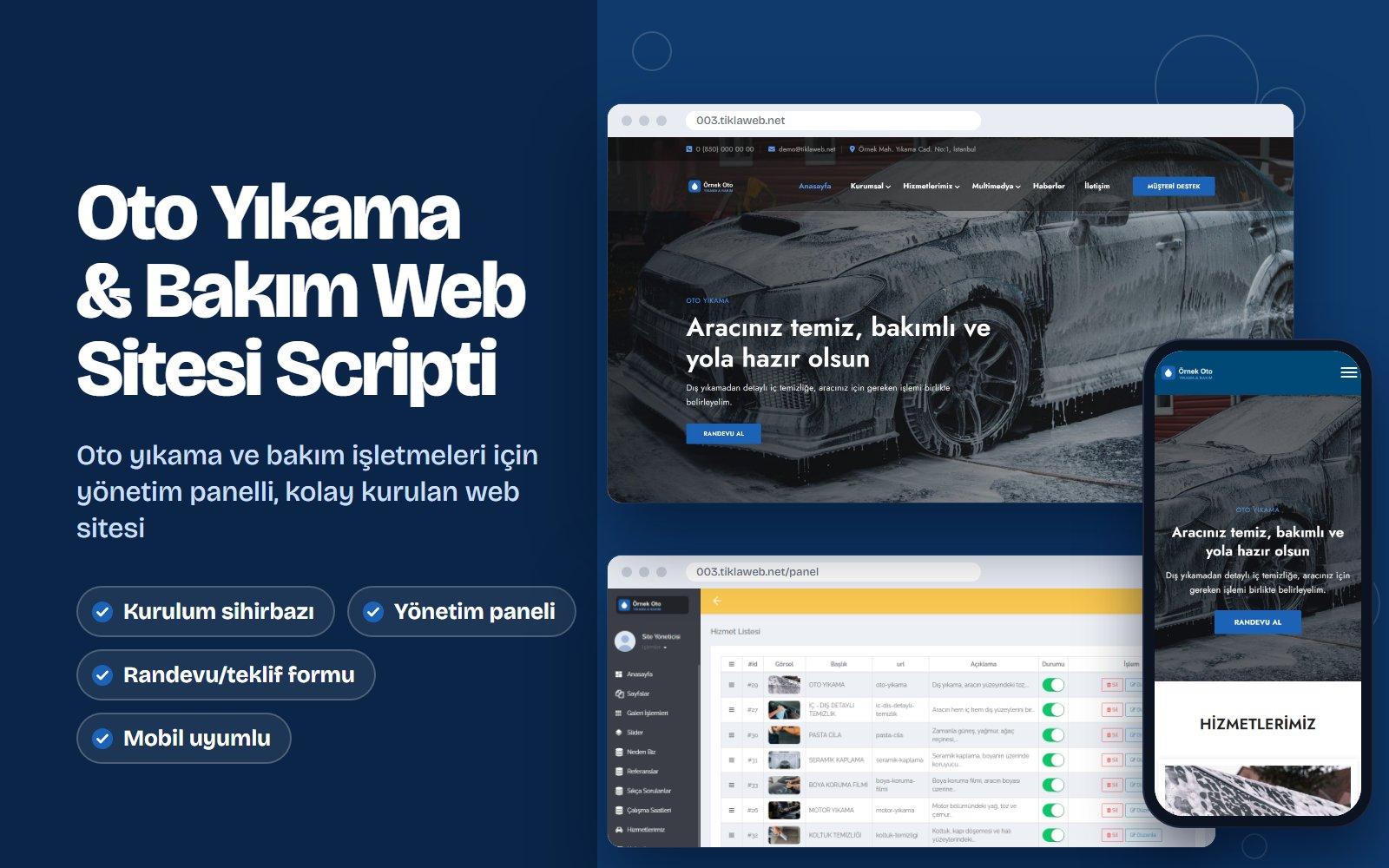
Car Wash & Auto Care Website Script
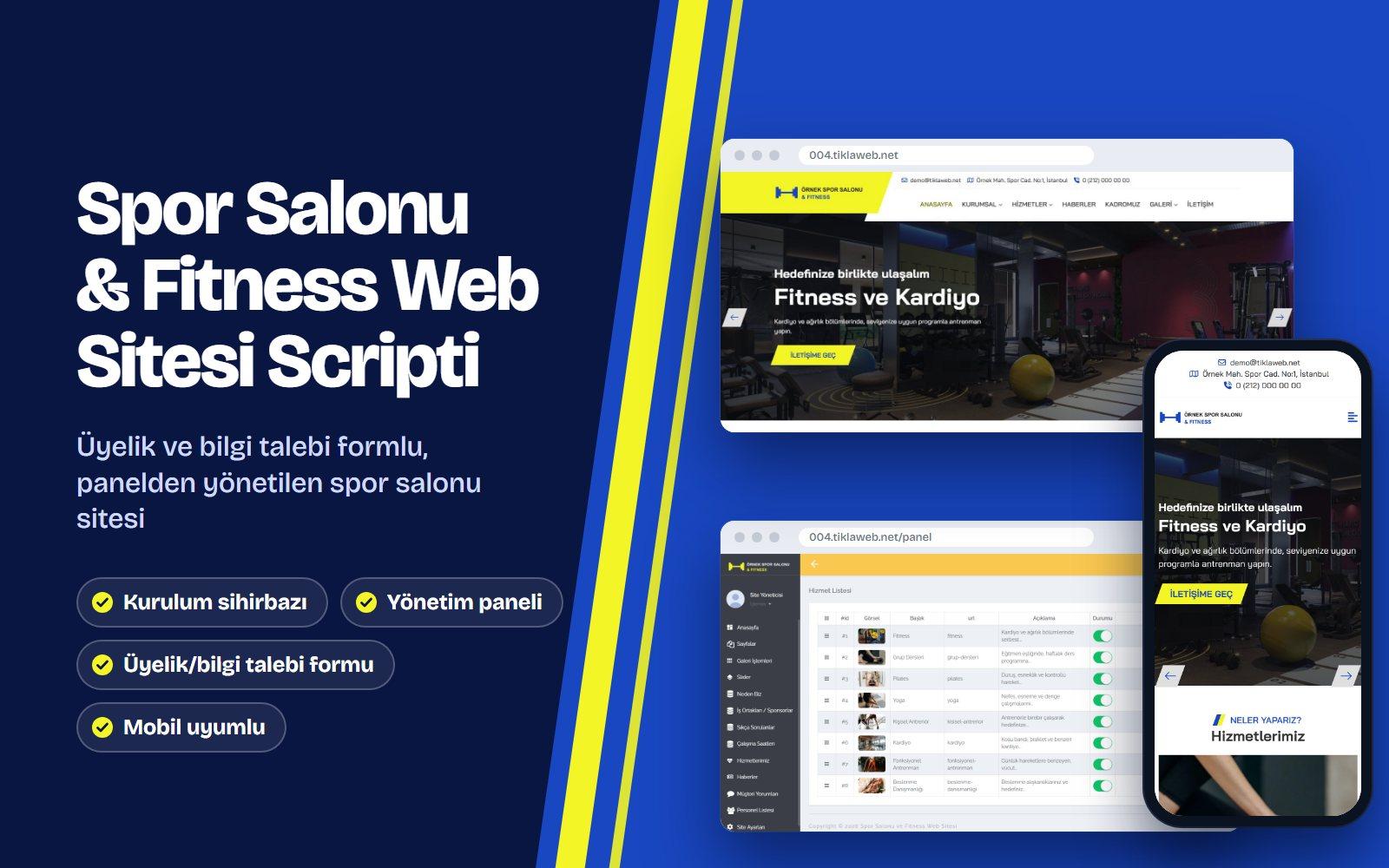
Gym & Fitness Website Script
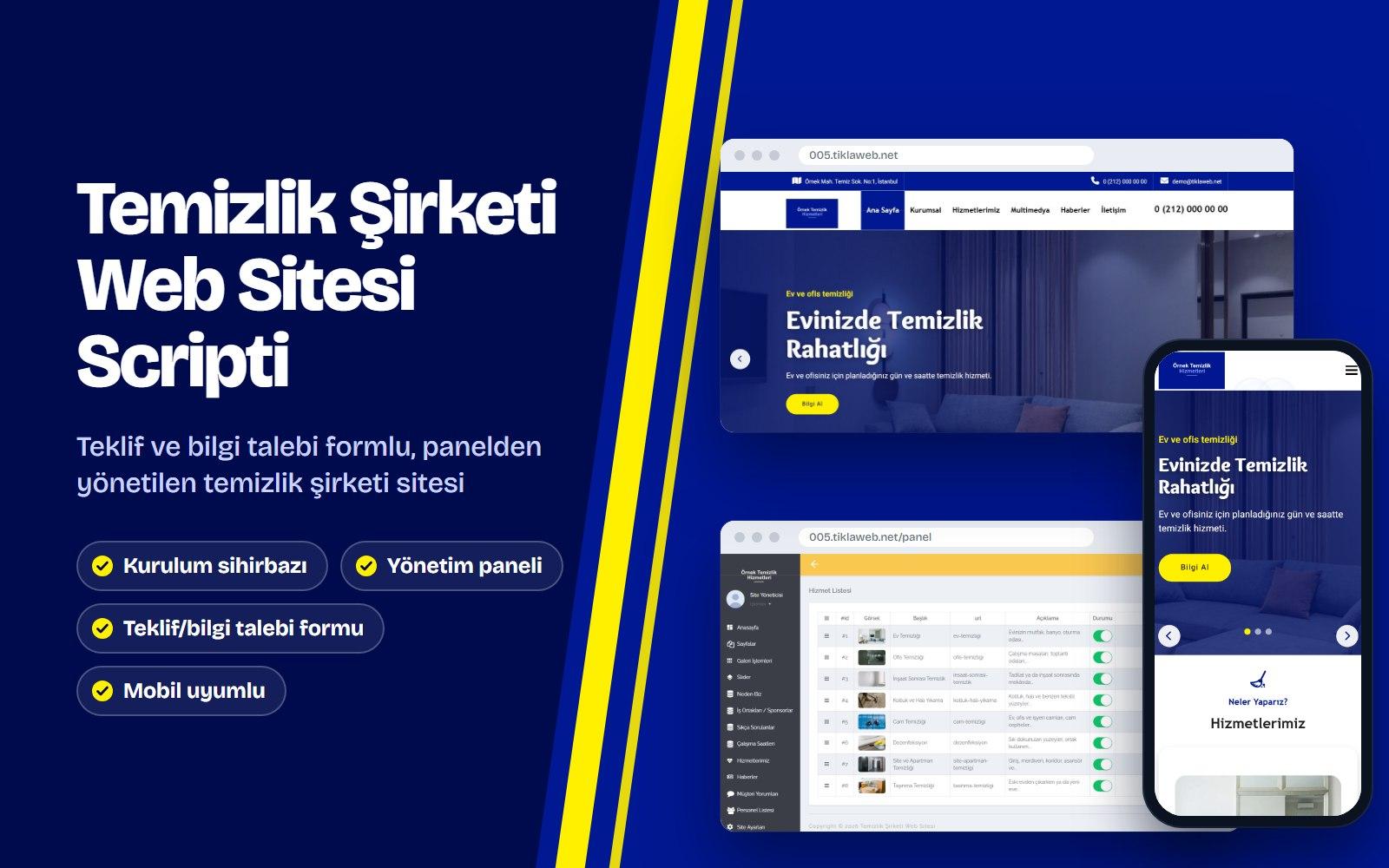
Cleaning Company Website Script
Reach Sales & Support
Have a question before you buy, or need help with an existing account? Call or email us.